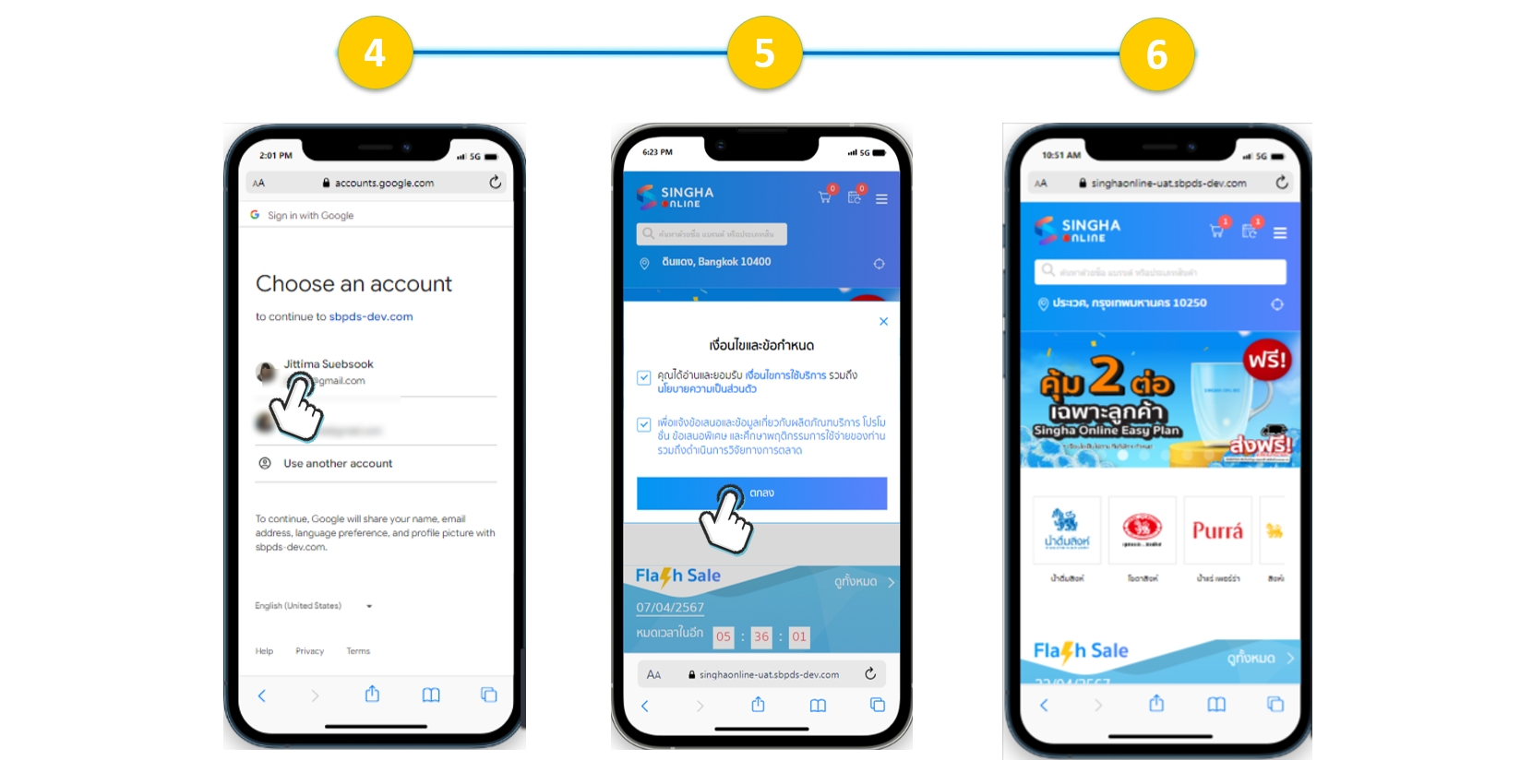
To facilitate convenience for customers who are members of the old version of the Singha Online website, allowing easy and quick access and placing orders on the new website version, the Singha Online team has imported existing member data to the new website version. Customers simply need to verify their identity and sign in to use the service, and they can immediately place orders on the website without having to fill out all the information to register as a new member.
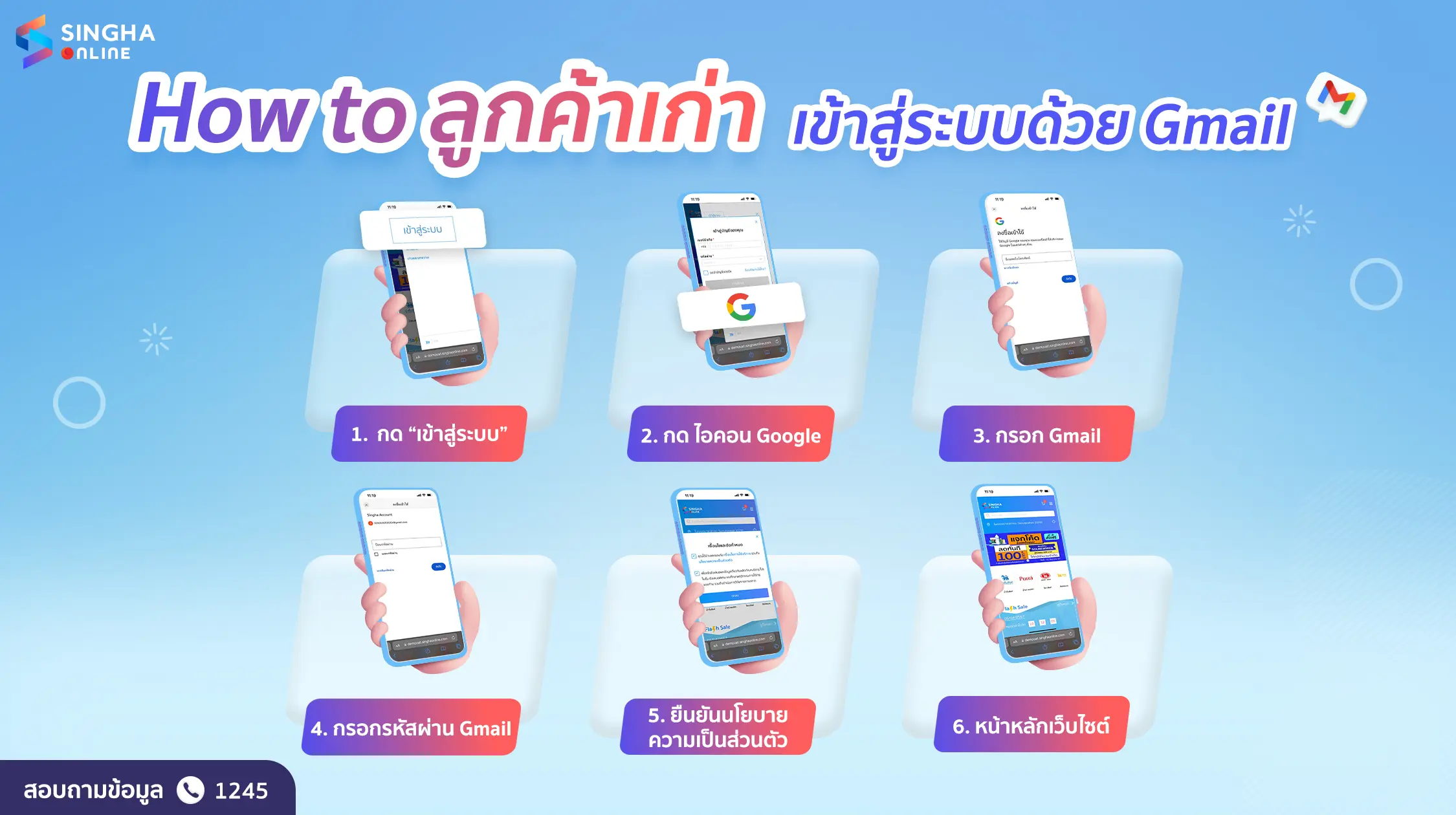
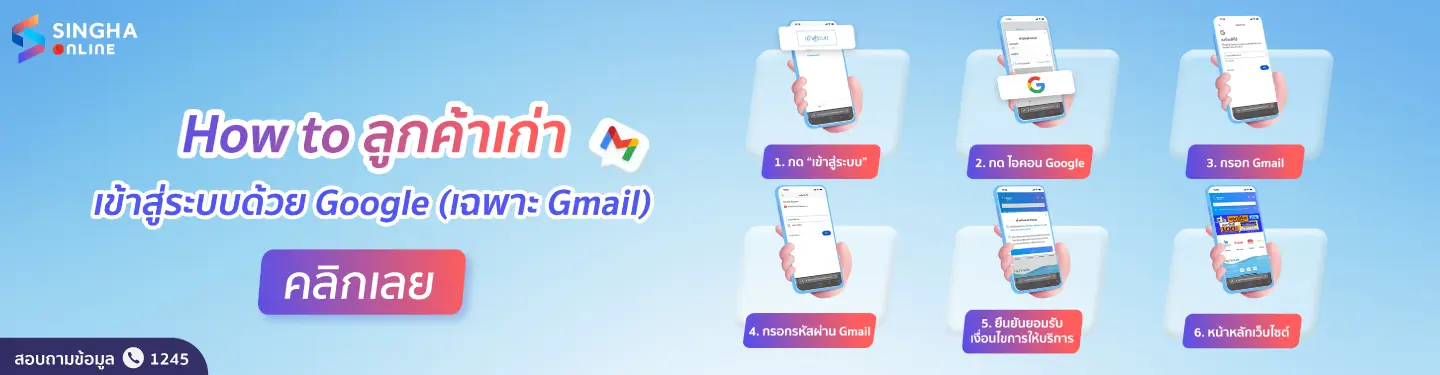
Customers who registered for membership on the old website version with a Gmail (@gmail.com) email can use the membership system on the new Singha Online website version by logging in with Google Account, following these steps:
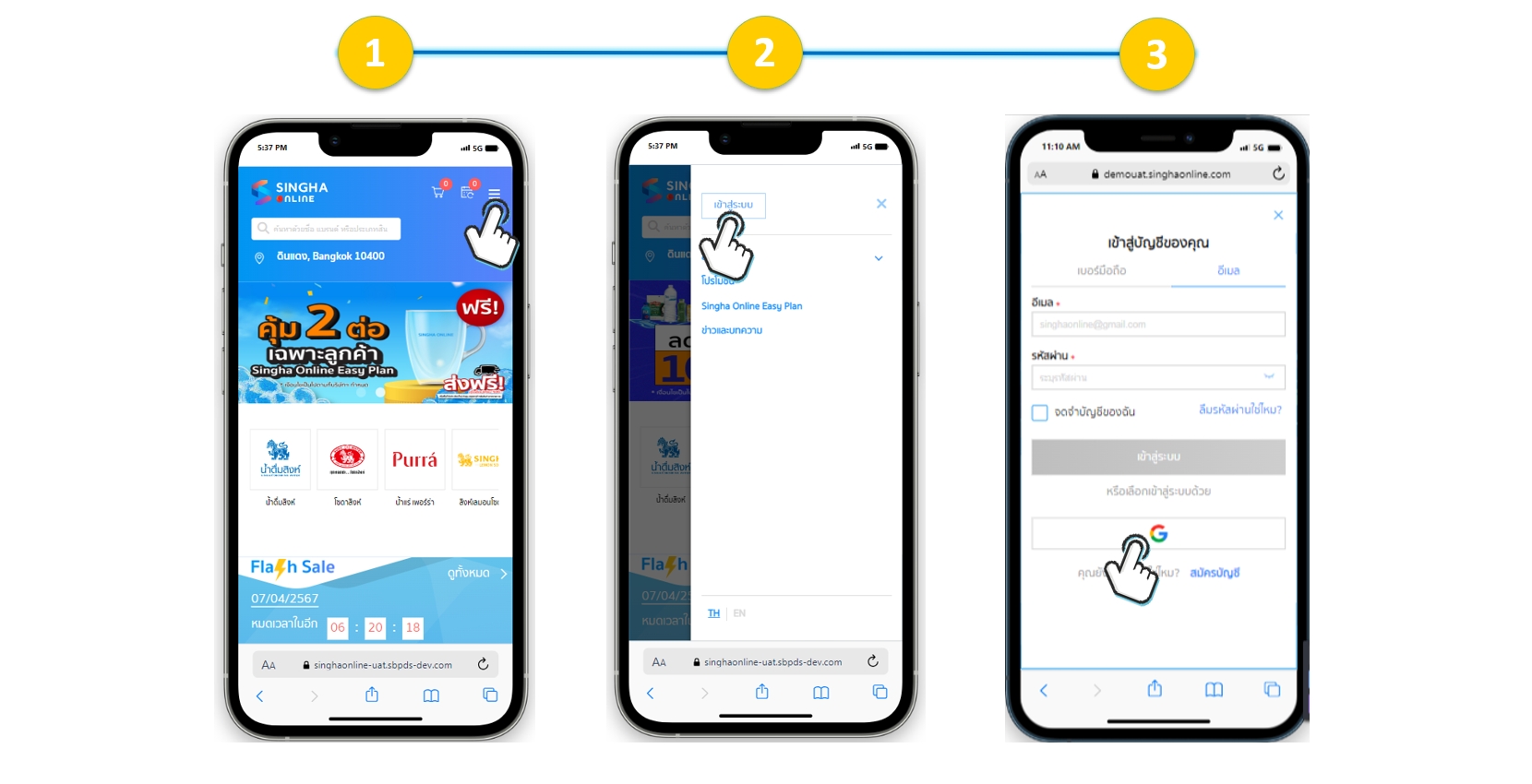
1 Select “Main Menu” (Hamburger menu) at the top right corner.
2 Click the “Sign In” button
3 Then select “Google”
4 The system will prompt you to choose the Google Account to connect
5 Accept the terms and privacy policy
6 The system will automatically create an account and log you into the new website version